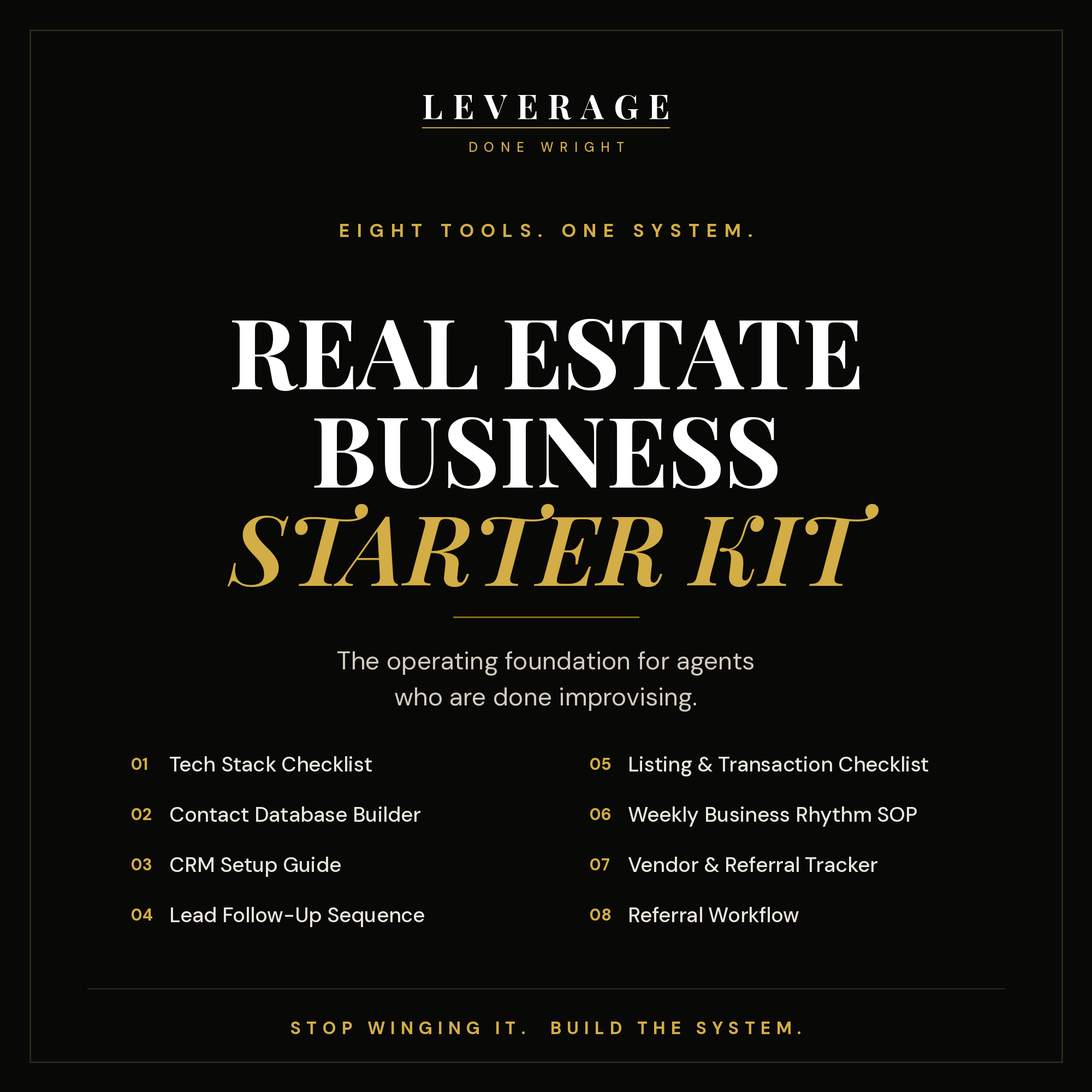
Eight tools. One operating foundation for agents who are done improvising.
This is not a course and there is no video to sit through. It is eight ready-to-use documents you open, fill in, and run your business with.
What you get:
01 · Tech Stack Checklist. Every tool you actually need, what it costs, and what to skip in your first year.
02 · Contact Database Builder. Build your first 200 contacts before you touch a CRM. Memory-jogger list, tier system, and clean import instructions.
03 · CRM Setup Guide. Organize before you import. Platform comparison, pipeline stages, contact tags, and the weekly habits that keep it alive.
04 · Lead Follow-Up Sequence. Day 1 through Day 30, with the script for every touch on every channel.
05 · Listing & Transaction Checklist. Pre-listing through post-close, with the referral ask built into the milestones.
06 · Weekly Business Rhythm SOP. Monday through Friday, with protected blocks that build pipeline instead of filling a calendar.
07 · Vendor & Referral Tracker. Every vendor relationship and referral source in one place.
08 · Referral Workflow. Milestone ask scripts, the quarterly event system, and the VIP club setup.
This is for you if you are a new or growing agent with no system yet, leads go cold because follow-up is inconsistent, or closings get chaotic because nothing is written down.
This is not for you if you want hours of video, or you want someone to do the work for you.
Instant digital download. Your download link is active for 24 hours after you first open it, so save the files somewhere permanent when you get them.
Questions? hello@leveragedonewright.com
As your business grows, important processes often live in inboxes, old documents, voice notes, and the memory of one or two key people.
That makes onboarding slower, execution inconsistent, and delegation harder than it should be.
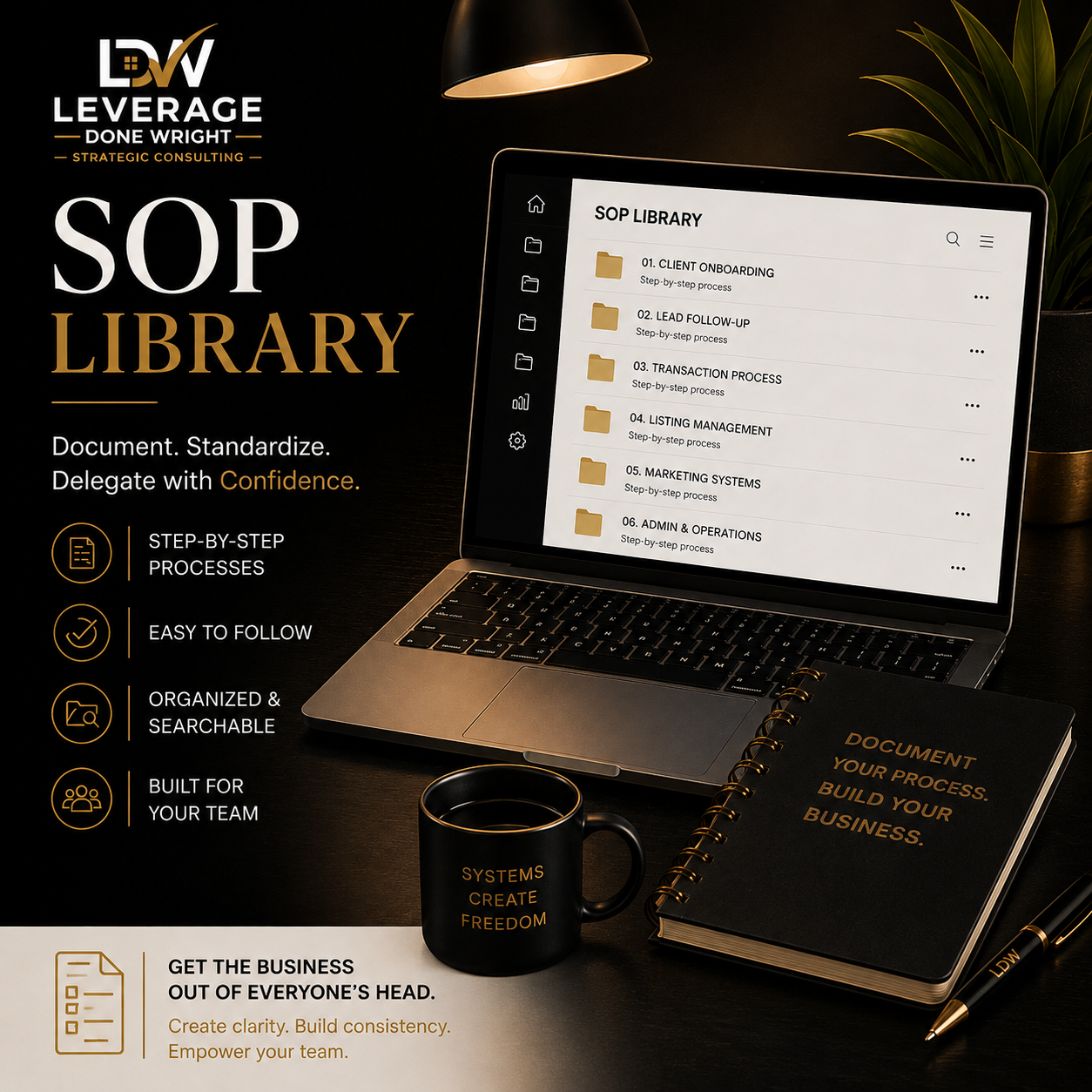
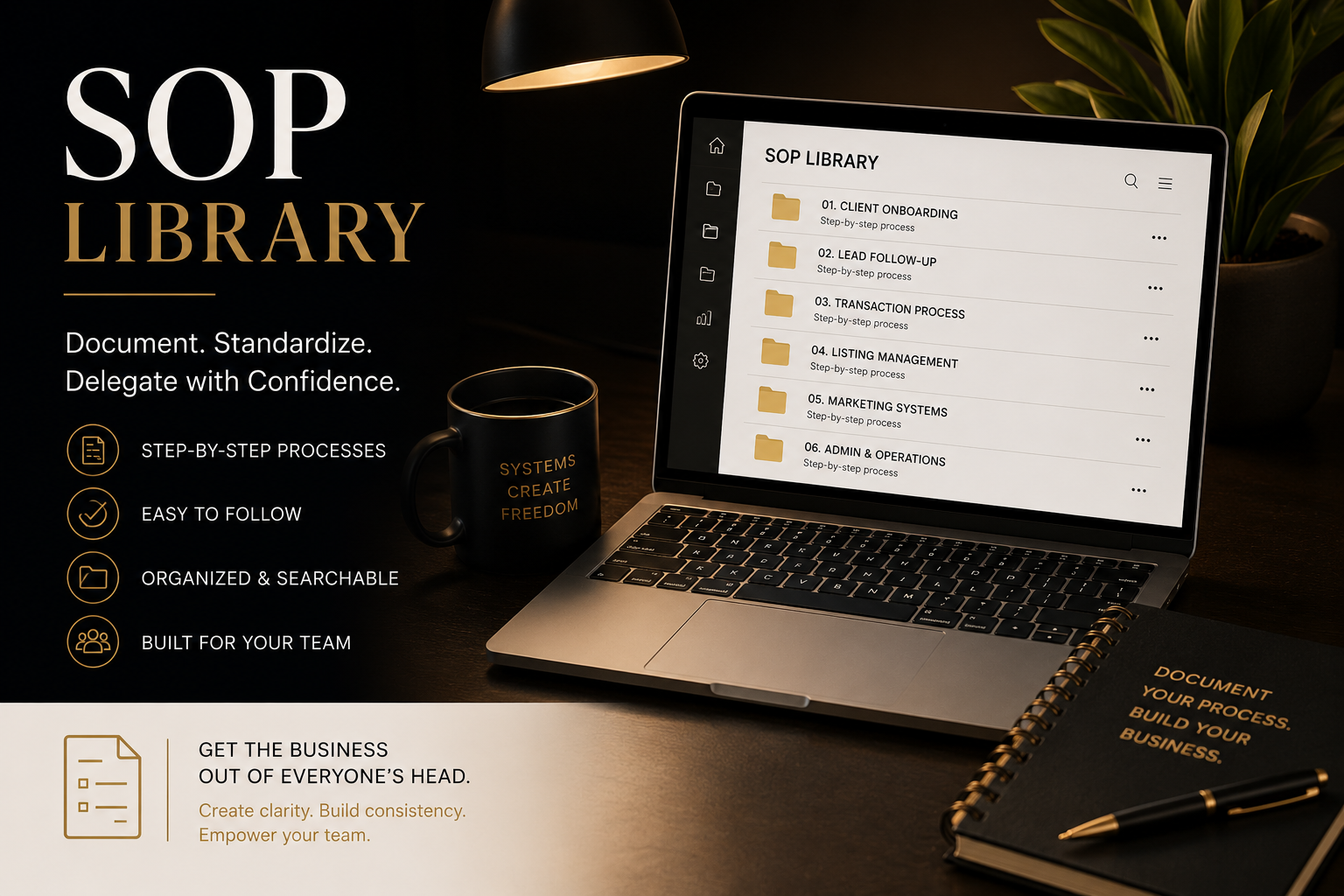
The SOP Library creates one organized, easy-to-use home for your core business processes.
I’ll help identify the workflows that matter most, document them clearly, organize them into a central library, and create a practical structure your team can actually follow.
This is not a folder full of generic templates.
It is a custom operating resource built around how your business works.
Process inventory and prioritization
Central SOP library structure
Up to 8 core SOPs
Written step-by-step procedures
Screenshots where needed
Up to 4 short video walkthroughs
Naming and organization standards
Ownership and review dates
One consolidated revision round
Team handoff session
30 days of email support after delivery
Teams asking the same questions repeatedly
Slow or inconsistent onboarding
Processes that live in one person’s head
Scattered documents and outdated instructions
Founders who are still approving routine work
Businesses preparing to hire or delegate more
Teams that need clearer expectations and accountability
Faster onboarding
More consistent execution
Better delegation
Less founder dependence
Clearer ownership
Fewer repeated questions
Easier team training
Better continuity when roles change
Unlimited SOP creation
Full business-process redesign
CRM setup
Custom automations
Ongoing SOP maintenance
Legal or compliance review
Additional departments outside the approved scope
Multiple revision rounds
One 60-minute discovery session
Up to two 45-minute process interviews
One 45-minute review session
One 60-minute team handoff session
Maximum included live time: 4 hours and 15 minutes
Typical delivery is 15–20 business days after all required information, interviews, access, and payment are received.
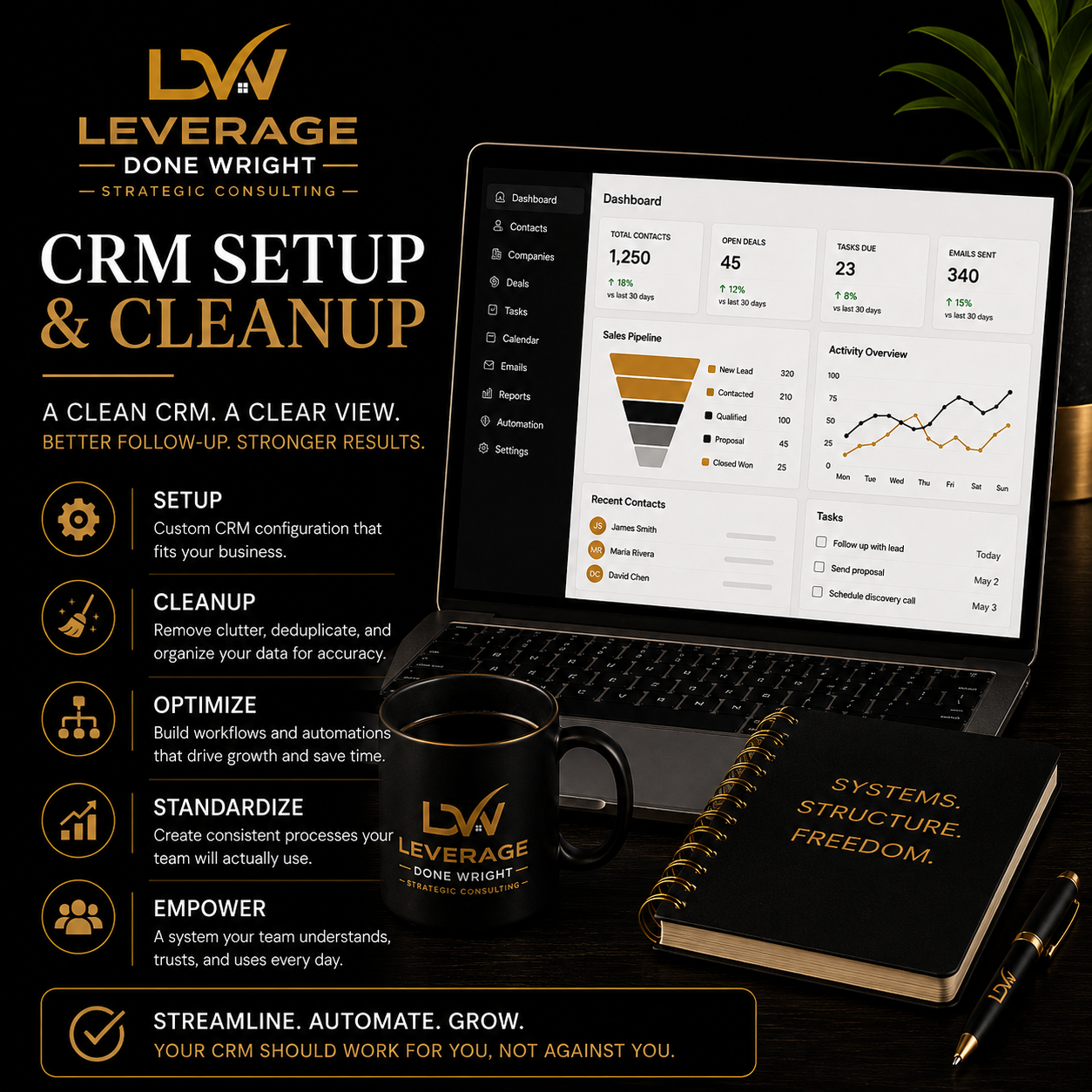
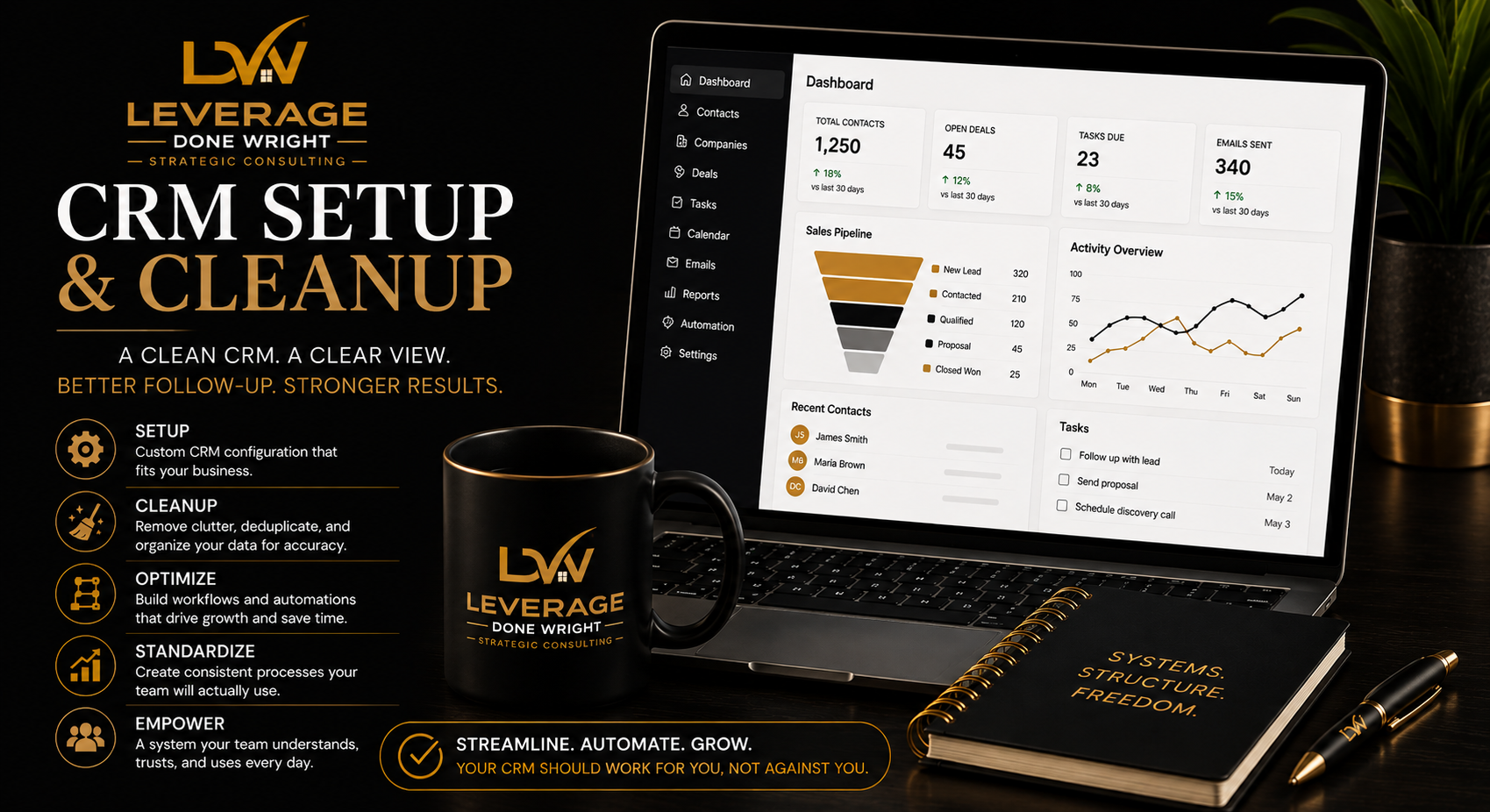
A CRM should help you see every lead, client, task, and opportunity clearly.
Instead, many businesses end up with duplicated contacts, inconsistent tags, unclear pipeline stages, unfinished automations, and team members using the system differently.
CRM Setup & Cleanup brings structure to the entire process.
I review how leads enter your business, how they move through your sales process, who owns each step, and where follow-up breaks down. Then I configure your CRM around the way your business actually operates.
You receive a cleaner database, a defined pipeline, practical automations, clear ownership, useful reporting, and documentation your team can follow.
This is not simply software configuration.
It is the setup of a repeatable lead and client management process.
Leads are falling through the cracks
Follow-up is inconsistent
Contacts are duplicated, outdated, or poorly organized
Pipeline stages are unclear
Team members use the CRM differently
Tasks are not assigned consistently
Reporting is unreliable
The CRM exists, but nobody trusts it
You are moving into a new CRM
You need a cleaner foundation before adding AI or automation
Current CRM audit
Existing contact and pipeline review
Identification of duplicate, outdated, or incomplete records
Review of current forms, workflows, automations, and templates
One primary lead-to-client workflow
Lead sources
Pipeline stages
Ownership rules
Follow-up expectations
Task triggers
Handoff points
Pipeline setup
Contact fields
Tags and categories
Lead-status definitions
Task rules
User permissions
Basic dashboards
Core reports
Duplicate-removal strategy
Contact categorization
Field normalization
Import preparation
Cleanup within the agreed record limit
Core task automations
Lead-response templates
Follow-up email templates
Appointment reminders
Internal notifications
Basic form or intake routing
Written CRM SOP
Team usage guidelines
Recorded walkthrough where appropriate
One live team-training session
Thirty days of email support after launch
The starting price includes:
One CRM platform
One business
One primary pipeline
Up to five users
Up to 2,500 contact records
Up to three basic automations
Up to five email templates
One dashboard
One team-training session
One consolidated revision round
More than 2,500 records
Multiple CRMs
Multiple business units
Several pipelines
Complex migrations
Advanced integrations
Extensive automation
Custom API work
Major historical-data repair
Multiple departments
More than five users
Additional training sessions
CRM subscription fees
Ongoing database maintenance
Unlimited data entry
Full sales-team management
Custom software development
Advanced API development
Website redesign
Copywriting beyond the included templates
Daily CRM administration
Unlimited revisions
New requests outside the approved scope
You complete the project form and provide access to your CRM, existing lists, pipeline information, and relevant documents.
We review how leads currently enter, move through, and exit your process.
I configure the pipeline, fields, tags, automations, templates, dashboards, and agreed data structure.
You review the system and provide one consolidated round of feedback.
Your team receives training, documentation, and clear usage expectations.
You receive thirty days of email support for questions and corrections related to the completed scope.
60-minute kickoff session
45-minute system-review session
60-minute team-training and handoff session
Total included live time: 2 hours and 45 minutes
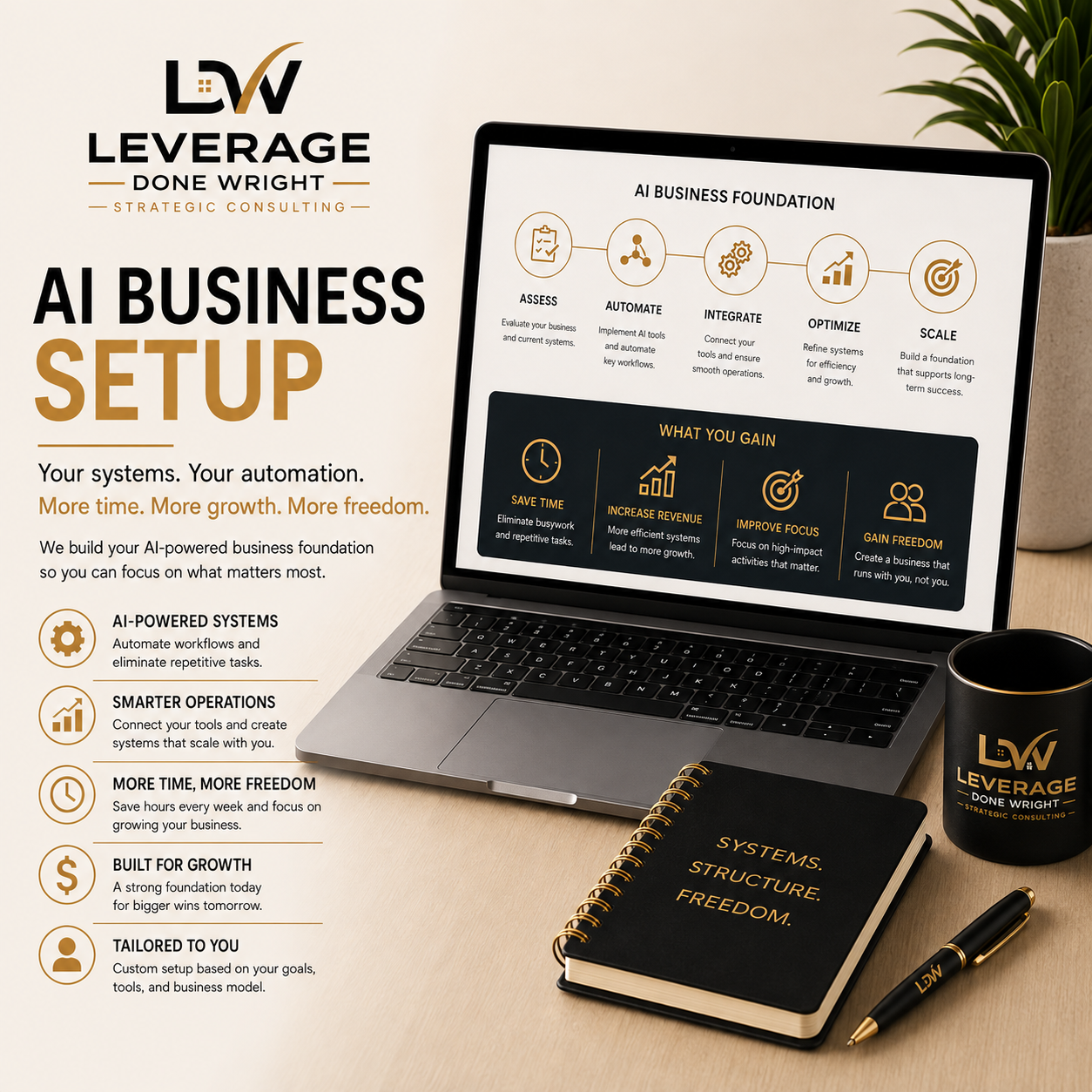
Give your AI the context it needs to become a productive member of your business.
Most AI tools fail because they're generic. They don't know your business, your services, your ideal clients, or how you communicate.
The AI Business Setup changes that.
Using my proprietary Business Profile Builder, I'll capture the information your AI needs to understand your business, then configure your AI workspace so it reflects your brand, your voice, and your workflows from the start.
Your setup includes business profile creation, AI workspace configuration, assistant customization, workflow recommendations, testing, and a personalized walkthrough so you can begin using AI with confidence—not confusion.
This is a one-time implementation service designed to help you get up and running quickly. Ongoing optimization and support are available through the Freedom OS Membership.
Proprietary Business Profile Builder
Brand voice configuration
Company knowledge setup
AI workspace configuration
Assistant customization
Basic workflow recommendations
Testing and quality review
Personalized walkthrough
Two weeks of email support
Business owners who want AI to understand their business without spending hours configuring prompts, workflows, and settings themselves.
No results match your search. Try removing a few filters.
