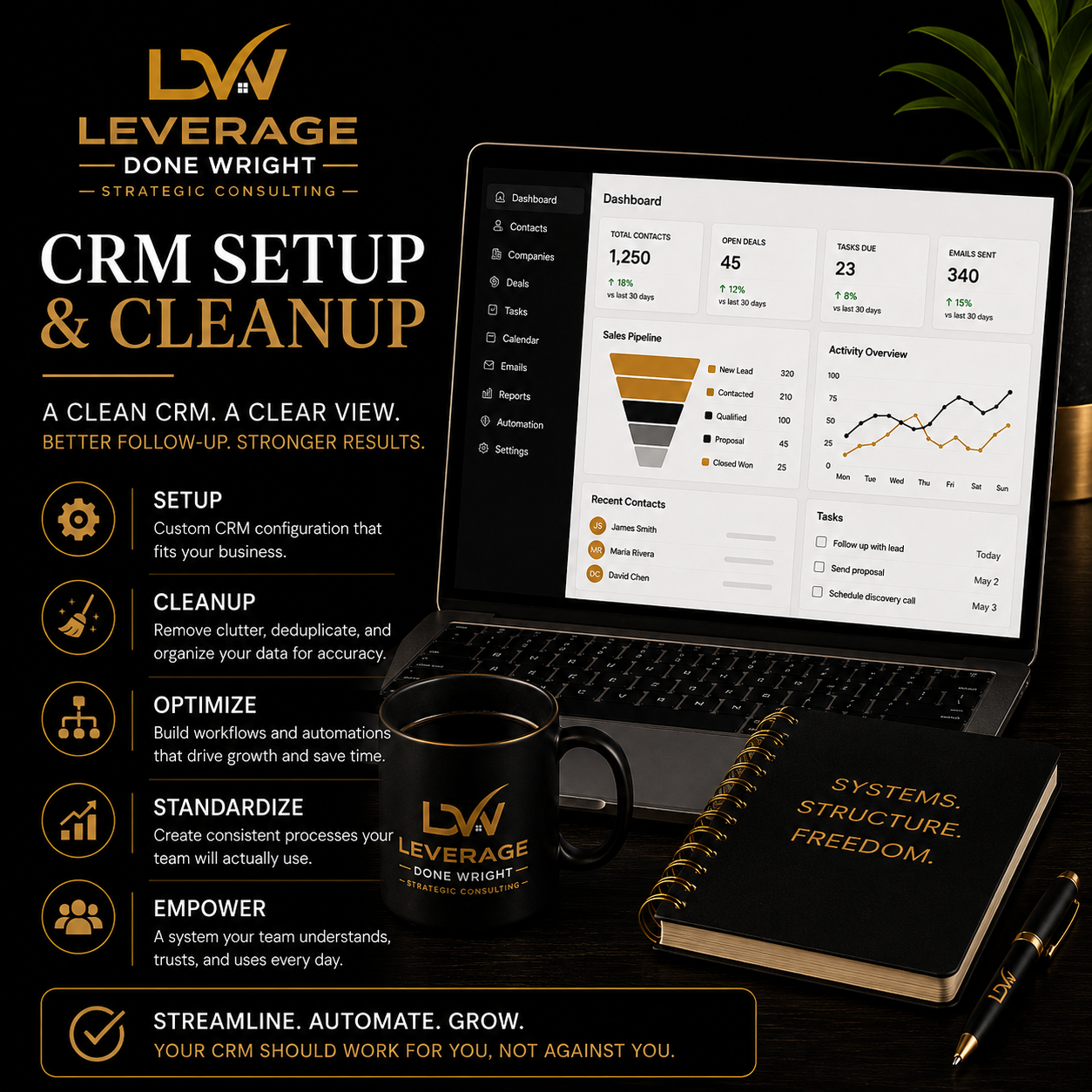
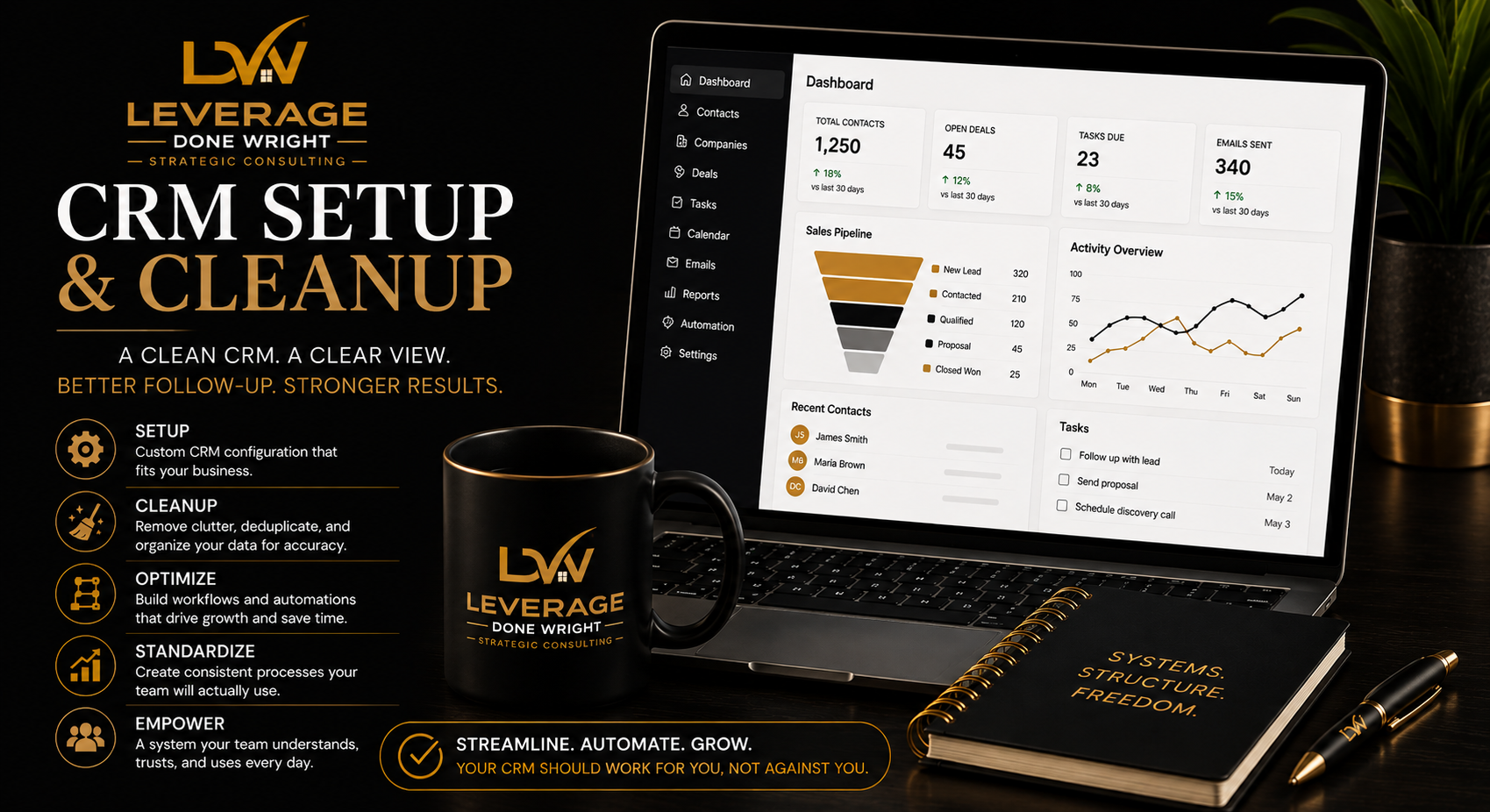
A CRM should help you see every lead, client, task, and opportunity clearly.
Instead, many businesses end up with duplicated contacts, inconsistent tags, unclear pipeline stages, unfinished automations, and team members using the system differently.
CRM Setup & Cleanup brings structure to the entire process.
I review how leads enter your business, how they move through your sales process, who owns each step, and where follow-up breaks down. Then I configure your CRM around the way your business actually operates.
You receive a cleaner database, a defined pipeline, practical automations, clear ownership, useful reporting, and documentation your team can follow.
This is not simply software configuration.
It is the setup of a repeatable lead and client management process.
Leads are falling through the cracks
Follow-up is inconsistent
Contacts are duplicated, outdated, or poorly organized
Pipeline stages are unclear
Team members use the CRM differently
Tasks are not assigned consistently
Reporting is unreliable
The CRM exists, but nobody trusts it
You are moving into a new CRM
You need a cleaner foundation before adding AI or automation
Current CRM audit
Existing contact and pipeline review
Identification of duplicate, outdated, or incomplete records
Review of current forms, workflows, automations, and templates
One primary lead-to-client workflow
Lead sources
Pipeline stages
Ownership rules
Follow-up expectations
Task triggers
Handoff points
Pipeline setup
Contact fields
Tags and categories
Lead-status definitions
Task rules
User permissions
Basic dashboards
Core reports
Duplicate-removal strategy
Contact categorization
Field normalization
Import preparation
Cleanup within the agreed record limit
Core task automations
Lead-response templates
Follow-up email templates
Appointment reminders
Internal notifications
Basic form or intake routing
Written CRM SOP
Team usage guidelines
Recorded walkthrough where appropriate
One live team-training session
Thirty days of email support after launch
The starting price includes:
One CRM platform
One business
One primary pipeline
Up to five users
Up to 2,500 contact records
Up to three basic automations
Up to five email templates
One dashboard
One team-training session
One consolidated revision round
More than 2,500 records
Multiple CRMs
Multiple business units
Several pipelines
Complex migrations
Advanced integrations
Extensive automation
Custom API work
Major historical-data repair
Multiple departments
More than five users
Additional training sessions
CRM subscription fees
Ongoing database maintenance
Unlimited data entry
Full sales-team management
Custom software development
Advanced API development
Website redesign
Copywriting beyond the included templates
Daily CRM administration
Unlimited revisions
New requests outside the approved scope
You complete the project form and provide access to your CRM, existing lists, pipeline information, and relevant documents.
We review how leads currently enter, move through, and exit your process.
I configure the pipeline, fields, tags, automations, templates, dashboards, and agreed data structure.
You review the system and provide one consolidated round of feedback.
Your team receives training, documentation, and clear usage expectations.
You receive thirty days of email support for questions and corrections related to the completed scope.
60-minute kickoff session
45-minute system-review session
60-minute team-training and handoff session
Total included live time: 2 hours and 45 minutes
A CRM should help you see every lead, client, task, and opportunity clearly.
Instead, many businesses end up with duplicated contacts, inconsistent tags, unclear pipeline stages, unfinished automations, and team members using the system differently.
CRM Setup & Cleanup brings structure to the entire process.
I review how leads enter your business, how they move through your sales process, who owns each step, and where follow-up breaks down. Then I configure your CRM around the way your business actually operates.
You receive a cleaner database, a defined pipeline, practical automations, clear ownership, useful reporting, and documentation your team can follow.
This is not simply software configuration.
It is the setup of a repeatable lead and client management process.
Leads are falling through the cracks
Follow-up is inconsistent
Contacts are duplicated, outdated, or poorly organized
Pipeline stages are unclear
Team members use the CRM differently
Tasks are not assigned consistently
Reporting is unreliable
The CRM exists, but nobody trusts it
You are moving into a new CRM
You need a cleaner foundation before adding AI or automation
Current CRM audit
Existing contact and pipeline review
Identification of duplicate, outdated, or incomplete records
Review of current forms, workflows, automations, and templates
One primary lead-to-client workflow
Lead sources
Pipeline stages
Ownership rules
Follow-up expectations
Task triggers
Handoff points
Pipeline setup
Contact fields
Tags and categories
Lead-status definitions
Task rules
User permissions
Basic dashboards
Core reports
Duplicate-removal strategy
Contact categorization
Field normalization
Import preparation
Cleanup within the agreed record limit
Core task automations
Lead-response templates
Follow-up email templates
Appointment reminders
Internal notifications
Basic form or intake routing
Written CRM SOP
Team usage guidelines
Recorded walkthrough where appropriate
One live team-training session
Thirty days of email support after launch
The starting price includes:
One CRM platform
One business
One primary pipeline
Up to five users
Up to 2,500 contact records
Up to three basic automations
Up to five email templates
One dashboard
One team-training session
One consolidated revision round
More than 2,500 records
Multiple CRMs
Multiple business units
Several pipelines
Complex migrations
Advanced integrations
Extensive automation
Custom API work
Major historical-data repair
Multiple departments
More than five users
Additional training sessions
CRM subscription fees
Ongoing database maintenance
Unlimited data entry
Full sales-team management
Custom software development
Advanced API development
Website redesign
Copywriting beyond the included templates
Daily CRM administration
Unlimited revisions
New requests outside the approved scope
You complete the project form and provide access to your CRM, existing lists, pipeline information, and relevant documents.
We review how leads currently enter, move through, and exit your process.
I configure the pipeline, fields, tags, automations, templates, dashboards, and agreed data structure.
You review the system and provide one consolidated round of feedback.
Your team receives training, documentation, and clear usage expectations.
You receive thirty days of email support for questions and corrections related to the completed scope.
60-minute kickoff session
45-minute system-review session
60-minute team-training and handoff session
Total included live time: 2 hours and 45 minutes